In complex IT environments, security risks rarely arise from a single, obvious error. It becomes critical when several settings and structures interact: an orphaned account, a nested group, an unnoticed external share or a faulty group policy.
The webinar on 14 July 2026 showed how migRaven.MAX makes such relationships visible in a central knowledge graph and, with the help of AI, translates them into concrete courses of action.
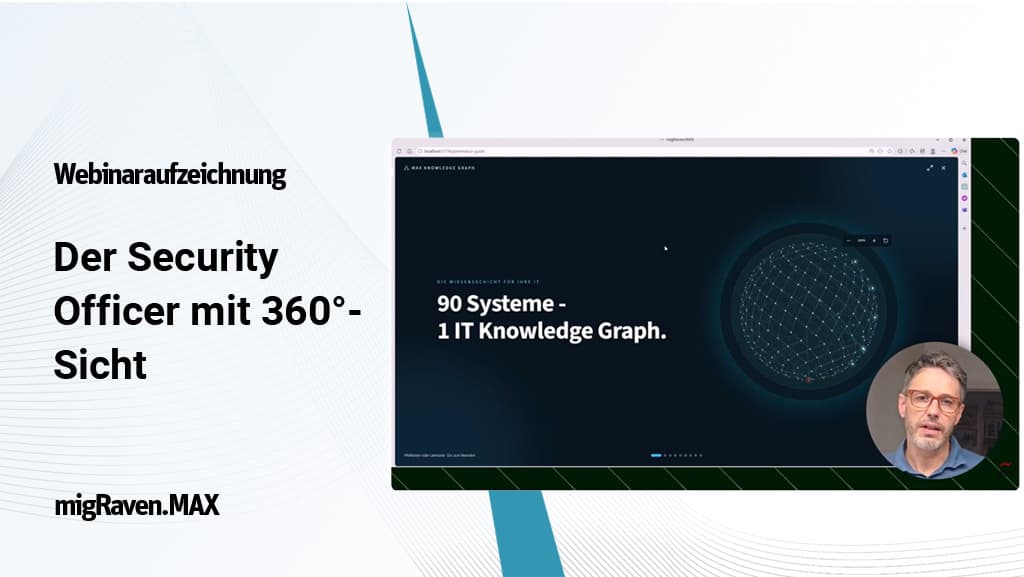
Webinar recording: the security officer with a 360° view
In the recording, see how migRaven.MAX links technical information from different systems, assesses risks in the context of the infrastructure and derives concrete courses of action from it.
Active Security: not just reporting risks, but understanding them
Many security systems react to individual events: a group membership was changed, an account is behaving unusually or an external share was created. Such alerts are important. Without the context of the entire infrastructure, however, they often remain isolated.
The IT team then has to work out for itself why the event is relevant, which systems and data are affected and which measure would make sense. The Active Security approach presented in the webinar therefore goes further.
Active Security instead of reactive control
The goal is not to reconstruct what happened only after a security incident. Critical relationships should become visible beforehand so that they can be prioritized, addressed in a controlled manner and subsequently verified.
A technical anomaly thus becomes a traceable process – from identifying a risk through to its documented remediation.
The knowledge graph as the foundation of the 360° view
To analyze infrastructure and permission relationships, migRaven.MAX relies on a Neo4j graph database. In classic relational data models, information is stored predominantly in tables. Relationships have to be established after the fact through queries and joins.
With deeply nested groups, hybrid identities and cross-system access paths, this quickly becomes complex. A knowledge graph therefore stores not only individual objects, but also their direct relationships.
This is how a complete permission path is formed
- A user is a member of a group.
- This group is a member of another group.
- The parent group has access to a directory.
- The directory contains business-critical data.
- An Entra ID account also exists for the same user.
- This identity provides access to Teams, SharePoint or SaaS applications.
Individual pieces of technical information thus come together to form a coherent knowledge model. MAX can, for example, trace the complete path from a local AD user through nested groups to a SharePoint document, a Teams resource or a file server directory.
The difference from a generic AI
The answer is based not only on general AI knowledge, but on the infrastructure data currently available in MAX. This enables the AI to assess technical anomalies in the specific context of the company.
The result: MAX does not just deliver lists, it explains relationships, prioritizes findings and develops concrete courses of action from them.
Information from more than 90 data sources
migRaven.MAX can consolidate information from numerous infrastructure, identity and collaboration systems. These include, among others:
Identities and permissions
- Active Directory
- Microsoft Entra ID
- Local administrators
- Azure roles
- External identities
Data and collaboration
- File servers and NTFS
- Microsoft Teams
- SharePoint
- OneDrive
- Exchange and mailboxes
Infrastructure and processes
- Group policies
- Security events
- Windows services
- SaaS applications
- HR and third-party systems
MAX: AI with the context of your own infrastructure
The second central component of the webinar was the AI assistant Agent MAX. Generic AI systems can explain general best practices. However, they know neither the individual Active Directory structure nor the actual groups, permissions, policies and data locations of a company.
Agent MAX, by contrast, works with the knowledge graph of the respective environment. When a user asks a question, the system analyzes the request, breaks it down into individual work steps where necessary and specifically queries the relevant information from the graph.
Typical questions for Agent MAX
- Which accounts currently pose the greatest security risk?
- Through which groups does a user obtain access to a particular directory?
- Which group policies are faulty, redundant or security-critical?
- Which external accounts are presumably no longer needed?
- Which accounts hold an unusually large number of permissions or particularly critical ones?
- Which measures are required to clean up the administrative tiering model?
Guardrails: not everyone needs the same answer
A 360° view does not mean that every user may see all information. migRaven.MAX therefore takes into account the role and the permissions of the person asking. The same analysis can be prepared differently depending on the recipient.
Executive management
Receives a compact risk assessment and an understandable basis for decision-making.
IT management
Receives prioritized measures, dependencies and information on the expected effort.
Administrators
Receive technical details, affected objects and concrete implementation steps.
Audit and compliance
Receive traceable reports, documented decisions and reliable evidence.
Operational changes also remain controlled. The AI analyzes, explains and recommends, but does not make uncontrolled interventions in the infrastructure. Critical measures can be safeguarded through roles, responsibilities and approval processes.
What you take away from the webinar
- Why isolated reports are no longer sufficient in hybrid IT environments
- How a knowledge graph makes complex permission paths visible
- How Active Directory, Entra ID, file servers, Teams and SharePoint are viewed as a connected whole
- How Agent MAX processes analysis requests on the basis of your own infrastructure
- How findings turn into prioritized measures and project documents
- How role-based guardrails protect sensitive information
- How companies move from reactive control to Active Security
How well do you know the relationships in your own infrastructure?
Which accounts hold critical indirect permissions? Which groups take effect across several systems? Where are owners and sponsors missing? And which risks remain invisible in classic reports?
In a personal presentation, we show how migRaven.MAX brings the information from your infrastructure together in a knowledge graph and how concrete analyses and courses of action emerge from it.