Anyone who has migrated a file server knows the Office documents with broken references that result. Anyone who additionally holds AutoCAD drawings, Revit models or Inventor assemblies in their inventory knows a different problem: a floor plan references a dozen external references, a building model references the models of the specialist planners, an assembly references hundreds of individual parts. If one of these paths fails during the migration, no one notices when opening the file — only when a plan is plotted incompletely or a model starts without its specialist models, often weeks after the migration.
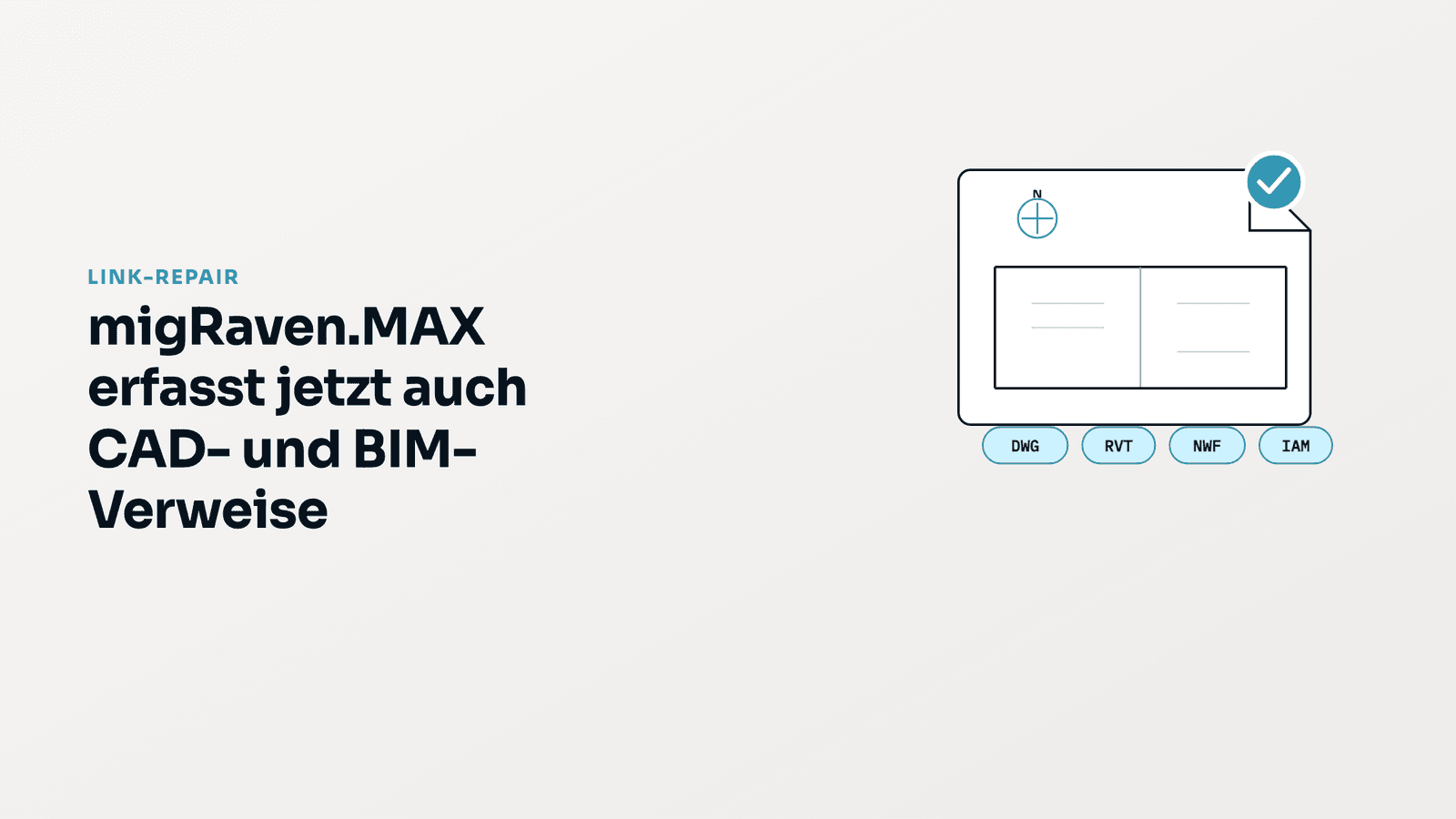
migRaven is now extending the Link-Repair module of its migration and permissions platform migRaven.MAX with exactly this analysis: drawings, models and assemblies from AutoCAD, Revit, Navisworks and Inventor are examined for their external references. The result shows, for each file, where a reference points, whether the target is reachable, and in what form the path was stored — absolute, relative, by file name only, or as an external address. This makes it possible to decide before a migration whether and where corrections are needed, rather than discovering it afterwards.
What Link-Repair has done so far
Since its introduction, Link-Repair has inventoried the references in Word, Excel and PowerPoint documents, including the old binary formats, in PDF, HTML and Visio files, as well as in Windows shortcuts. The Scan Agent reads the documents directly on the file server, determines each link target, checks its reachability via server and share, and consolidates identical targets. For the transition to new shares, DFS namespaces or SharePoint, Link-Repair corrects the paths on a rule basis, for example drive letters to UNC paths, and flags processed documents so that later runs can find their assignment again. The check step is integrated into migration planning: for each planned directory, it is visible whether a link scan is available and how many references are affected.
What's new: four CAD and BIM formats
With the current version, four product families are captured, which account for the largest share of linked files in engineering firms, industry, energy supply and construction:
- AutoCAD, Plant 3D, Advance Steel (DWG, DWT, DXF) — external references (Xref attachment and overlay), raster images, PDF, DGN and DWF documents, fonts, plotter and plot style files, textures, hyperlinks, data links.
- Revit (RVT, RFA) — Revit links, CAD links, central model, keynote files.
- Navisworks (NWF, NWD, NWC) — merged models and their source files.
- Inventor (IAM, IPT, IDW, IPN, IPJ) — assembly components, material libraries, workspaces and libraries from project files.
When opened, a drawing or model typically loads additional files: an AutoCAD floor plan pulls in grid lines and as-built plans as Xrefs, plus an aerial image as a raster image. A Navisworks coordination file merges architecture and structural models, which in turn reference building services models and CAD inventories. An Inventor assembly reaches through its components down to shared material libraries. Each of these arrows is a stored path, which Link-Repair now inventories — without opening or modifying the file.

Three analyses for all document types
In addition, there are three analyses that apply equally to Office, PDF, CAD and BIM files:
- Path form. Each reference is classified as to whether it is stored absolutely (UNC path, drive letter), relative to the document, by file name only, or as an external internet address. Absolute paths break when the server changes, because the server name is part of the stored path; relative paths survive it, because only the folder structure matters. An inventory that links exclusively via relative paths survives a migration without correction — the metric shows this at a glance.
- File type matrix and file tree. An overview shows which file types reference which others. From there, a directory tree per file type leads to the affected files, including the list of their link targets. The Scan Agent reads modification and access data live from the file server as needed.
- External addresses. References to web pages, SharePoint or email addresses are kept as a separate class. They count neither as valid nor as broken, because they are not affected by a file server migration.

Why this is critical for migrations
A drawing is rarely a single file. A floor plan references grid lines, as-built plans and detail sheets; a building model references the models of the specialist planners; an assembly references hundreds of individual parts. These reference chains have grown over years and are stored in paths that become invalid when moving to a new file server, into a DFS namespace, or to the cloud. Unlike a broken link in a text document, a missing Xref only becomes apparent when a plan is plotted incompletely or a model opens without its specialist models — often weeks after the migration and in the middle of an ongoing project.
Until now, these dependencies remained invisible in migration planning. They could only be checked by opening the files in the respective application, which is not feasible for tens of thousands of drawings. Link-Repair now answers this question before the move: how many references exist, where they point, which would break and which would not. The decision as to whether an inventory can be migrated without correction, or whether the specialist application needs to update paths afterwards, is thus based on a complete inventory rather than on spot checks.
Why these particular file types
AutoCAD drawings are the exchange format of engineering: they are retained for decades, passed between clients and planners, and reference each other via external references. Revit has established itself as the standard for building models, in which architecture, structural and building services work together as linked models. Navisworks merges these models for coordination and clash detection, storing exclusively references to the source files for this purpose. Inventor assemblies consist of deeply nested individual parts with project files that define library and workspace paths. In all four cases, the usability of the file depends entirely on its references, and in all four cases the inventories reside on file servers that are being migrated.
The four families are also the core of the Autodesk portfolio with which migRaven customers from energy supply, industry, plant engineering and construction work. The extension was developed and tested with real drawing inventories from an energy supplier.
At a glance
- Supported families — Office (Word, Excel, PowerPoint), PDF, HTML, Visio, Windows shortcuts, and now also AutoCAD, Revit, Navisworks and Inventor.
- CAD and BIM files are read only. They are never modified; DWG drawings are read by a separate decoder process.
- Four analyses — path form (absolute, relative, file name, external), file type matrix with directory tree, external addresses as a separate class, and for CAD/BIM additionally the reference chain per drawing or model.
- In a test inventory of 54 AutoCAD drawingsthe analysis found 63 external references, a dozen embedded image references, and around 1,000 references in total — without a single file having to be opened or modified.