An account that works at night is not conspicuous if the entire team works shifts. An account that opens a directory none of its colleagues know, is.
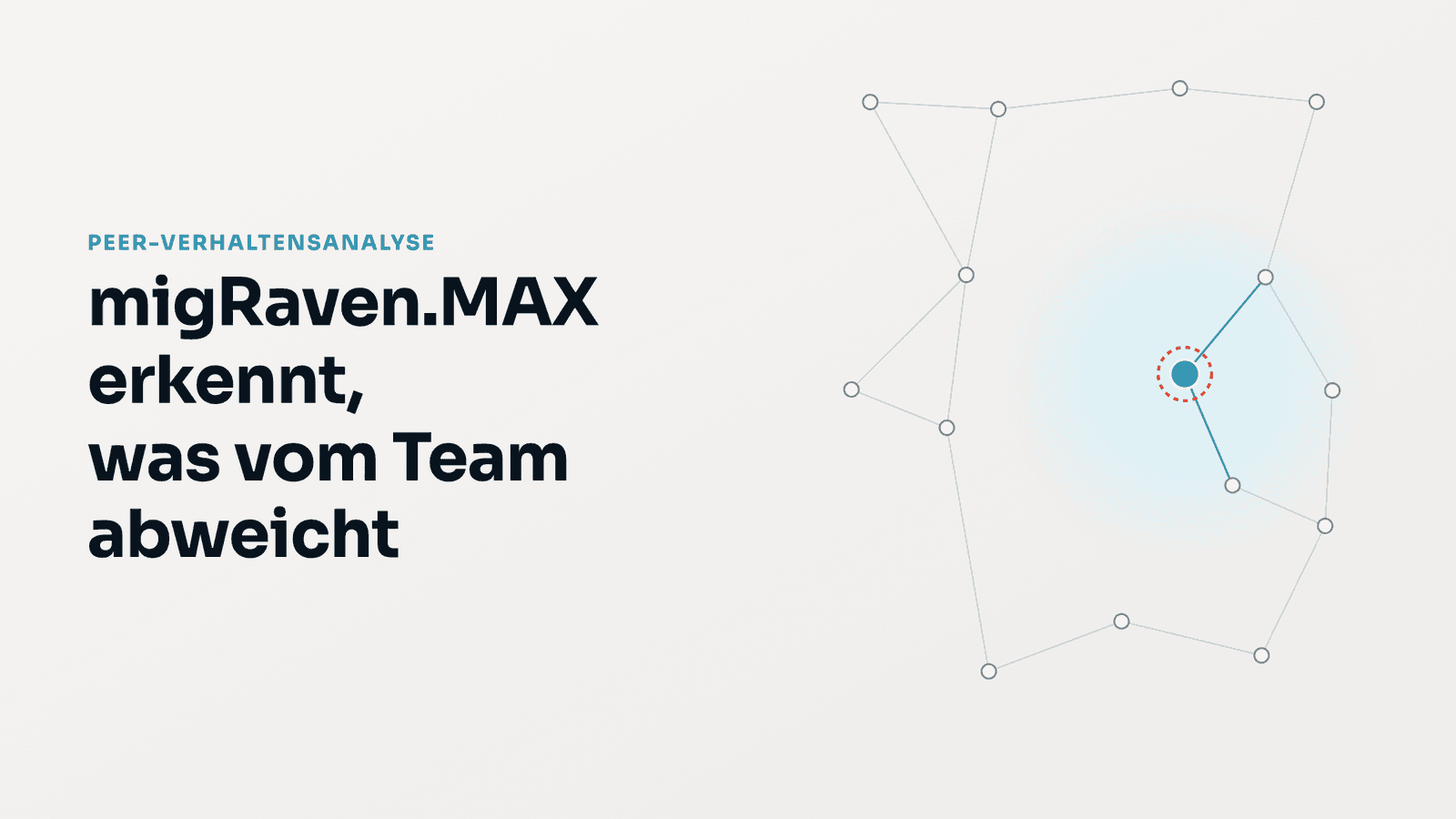
This is exactly the difference the new peer behavior analysis in migRaven.MAX makes. It compares every Active Directory account with its peers on the IT knowledge graph and reports what deviates from the team: rare access, unusual volumes, mass access, privilege escalations with follow-up access, and working hours outside the team's rhythm.
Every alert carries its evidence and can be confirmed, dismissed, or classified as expected with one click — an early warning at the permission structure level, not a replacement for a SIEM.

How peer groups are formed
Previous behavioral analyses compare an account with its own history or with fixed thresholds. Both overlook what only becomes apparent when compared with peers.
The comparison groups require no role maintenance and no training data — they come from what is already present in the IT knowledge graph, three bases, combined:
- Structural: group profile — accounts with the most similar set of group memberships. Available from the first AD scan.
- Behavior-based: resource usage — accounts that have used the same directories and hosts in the last 90 days. Requires the ADFS agent with file auditing.
- Attribute-based: department and OU — the organizational view from the directory service. Available from the first AD scan.
The graph algorithms run with Neo4j Graph Data Science directly on the customer's database. No cloud, no model training outside the premises.

Five threat models with evidence
Every alert names the peers considered, the share, the counters, and the resource:
- Rare resource access — a directory or host that at most one in ten peers has ever used; a first-time access is flagged separately.
- Volume outlier — an account's daily volume against the peer median, robust over 30 days.
- Mass access — a sudden spike in the number of directories or write and delete operations in one day, an indicator of encryption or exfiltration.
- Privilege escalation with follow-up access — addition to a group, followed by access to a directory that is only reachable through this new group.
- Working hours outside the team's rhythm — an account's off-hours share against its peers, not against a fixed time. Shift teams do not trigger an alert.
Judgments instead of alert overload
Every alert accepts a judgment: confirm, dismiss, or classify as expected, optionally with a reason. Dismissed alerts disappear from the standard view and from the account's risk score — what the team recognizes as maintenance or routine no longer weighs on the assessment.
The results feed into the graph risk score of each account: nine weighted factors combine network position (admin distance, ticket size, centrality) with behavior (anomaly, peer deviation, spread across hosts).

Unused permissions based on actual usage
A new evaluation lists explicit permissions on directories that their users have not used for 180 days — for both users and groups. What counts is observed usage, not the age of the directory: directories without access records are considered unobserved, not unused, so that no permission is removed based on a gap. The removal itself runs through the product's clean-up paths with justification and approval.
Classification: Know, Harden, Detect, Prove
The peer analysis is the third link in the chain with which migRaven.MAX supports the implementation of NIS-2: movement data, evaluated on the graph that MAX builds from Active Directory, file servers, and Entra ID. Its judgments feed the fourth link — documented decisions as the basis for reports and evidence. It complements SIEM systems with the view of permission structures and does not replace them. Reports are created as drafts; automatic reporting to authorities does not take place.
What you need
- migRaven.MAX Compliance or Governance Edition, Risk and Compliance Dashboards module.
- Neo4j with Graph Data Science on the customer's database.
- ADFS agent with file auditing on the file servers for usage-based peers and the evaluation of unused permissions. Structural and attribute-based peers work from the first AD scan.
- Activation of Analytics by the administrator.
Reference run: 19 pipeline steps in around 2.5 seconds on a graph with 1,417 accounts and groups.